
Monitor your Bambu Lab printer from Mac
See print progress, time left, temperatures, AMS filament and the live camera from your menu bar. Add desktop widgets and print alerts while you work.

Works with every Bambu Lab printer
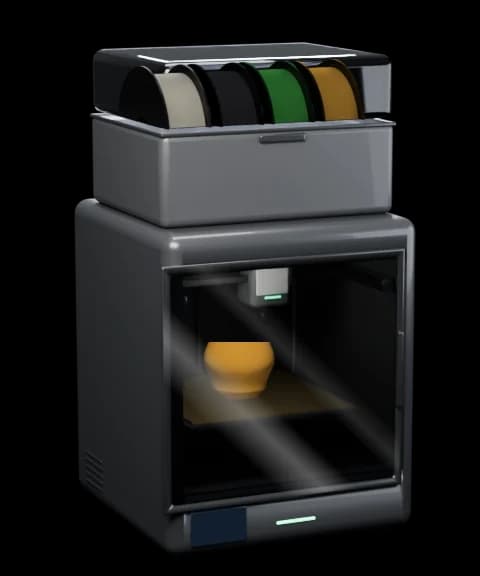 P2S
- P1S
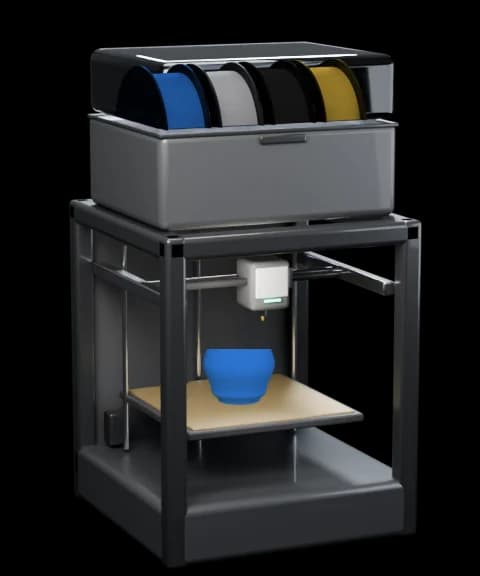 P1P
- X1 Carbon
- X1
- X1E
- X2D
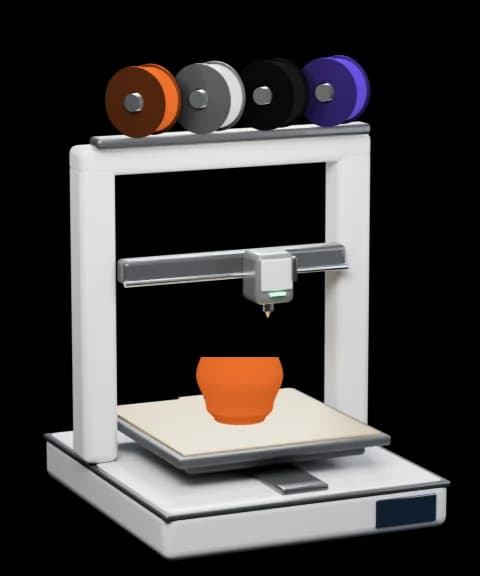 A1
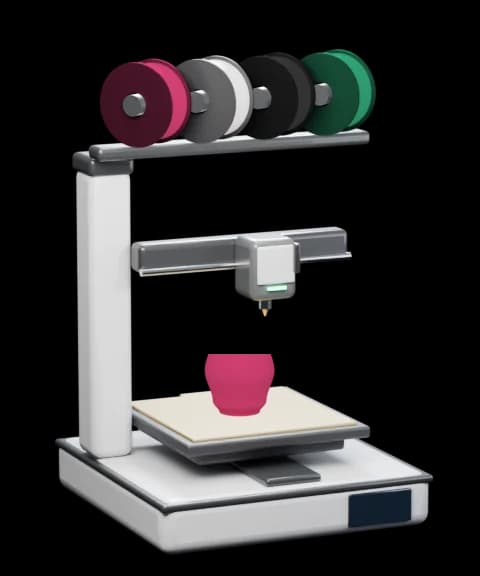 A1 mini
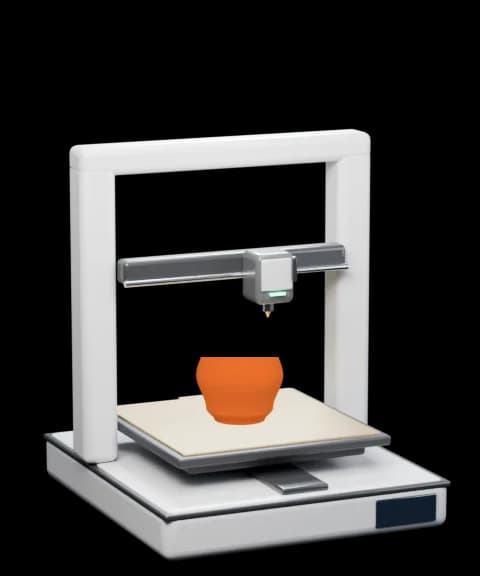 A2L
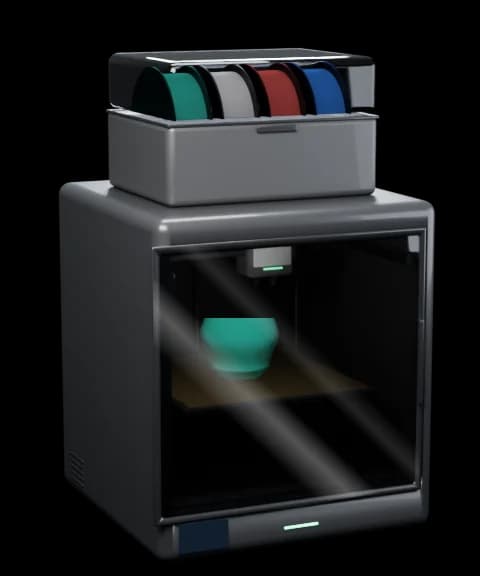 H2D
- H2D Pro
- H2C
- H2S
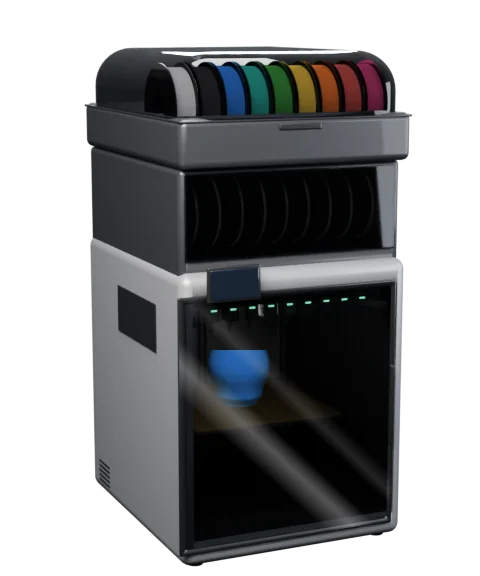 H3C
Go on, press Pause
Pause, resume or stop a print, change the speed and flick the chamber light. When the spool runs dry, the tray icon and a Windows notification tell you.

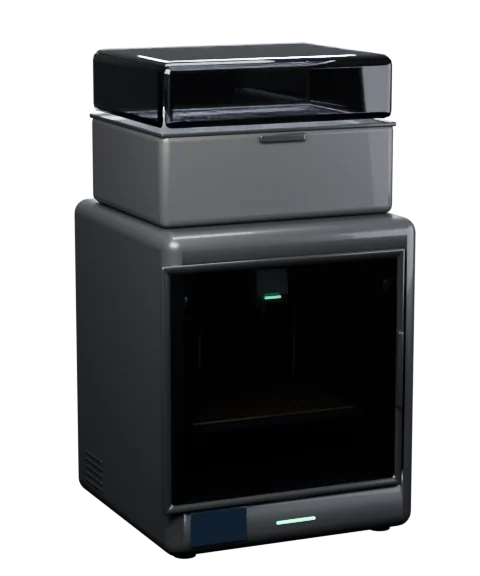





Watch the print. Without getting up
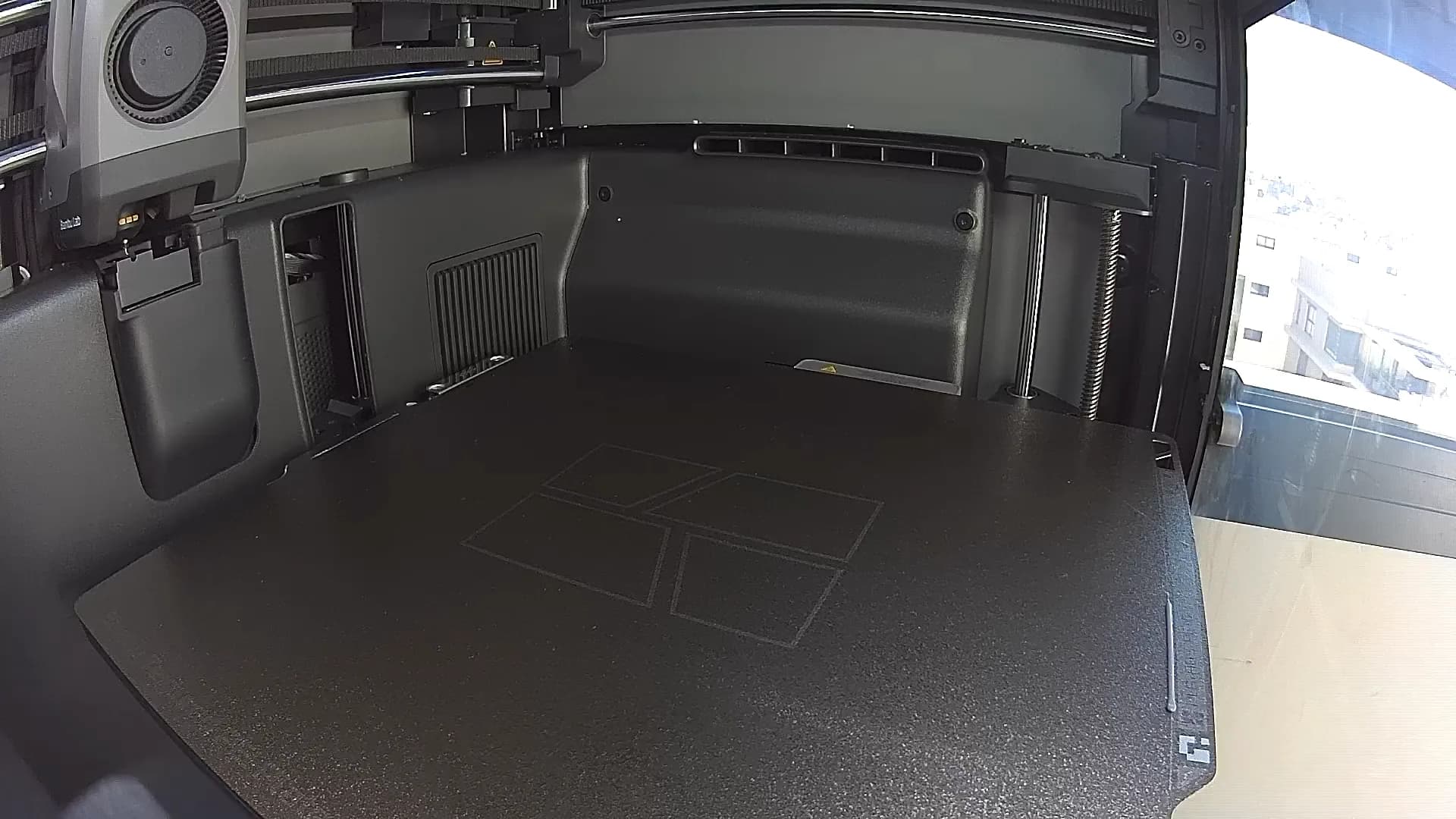
Your printer's live camera on your PC: a preview in the tray panel, the full picture on the Printer page, and a window that stays on top of your work.

 Bambu Bar
- All Printers
- Printer
- Filament
- Tray
- Notifications
- Printers
- Widgets
- Settings
- About
- Part
- 0%
- Aux
- 0%
P2S Workshop camera- Wherever you look
- A preview you can fold away in the panel, a large view on the Printer page, and a resizable window with a Keep on top pin. Ctrl+K opens it.
- Streams only while you watch
- A folded preview, a closed panel or a camera scrolled out of view uses no connection. Or keep it connected during prints, so it shows at once.
- Straight from the printer
- X1, H2, H3C, P2S and X2D stream over encrypted RTSPS once LAN Only Liveview is on; P1 and A1 send their own JPEG stream. Nothing is recorded.
- Off until you want it
- Turn it on in Settings → Camera, then for each printer on the Printers page. Until both are on, it's hidden everywhere.
Your print, right on the desktop
Your printer at a glance on the Windows desktop: progress, time left, temperatures and the filament in your AMS, updated live. Drag them anywhere, or keep them on top.

- P2S WorkshopPrintingArticulated Dragon56%159/2841h 03m leftDone 10:44 AM220°55°38°
- 31%PausedFilament ran outPLA Basic · Lite 1Benchy FleetLayer 40/130 · 31%
Drag a widget anywhere. Right-click it to change its printer or size, keep it on top, or remove it.Touch and hold a widget to drag it. Tap ··· to change its printer or size, or remove it.
From installer to tray. In a minute
Run the installer: no administrator needed. Bambu Bar finds your printers and their access codes on its own, then waits in the tray by the clock.
Grams, not guesses
Bambu Lab spools tell the AMS their net weight, so Bambu Bar shows what's left in grams. Enough for tonight's print? Now you know.
- Grams left on every Bambu Lab spool
- ≈ 810 g, not just a percentage, plus how much you have on hand in total.
- Colours by name
- Grass Green, Charcoal, Jade White: Bambu Lab spools show their real colour name; other brands show the preset you chose, like SUNLU PLA Matte.
- Humidity and temperature
- Each AMS unit's humidity and temperature, and the spool that's feeding right now.
- Jade WhitePLA Basic≈ 810 g
- CharcoalPLA Matte≈ 390 g
- SUNLU PLA MatteGrass Green—
- GoldPrintingPLA Silk+≈ 220 g
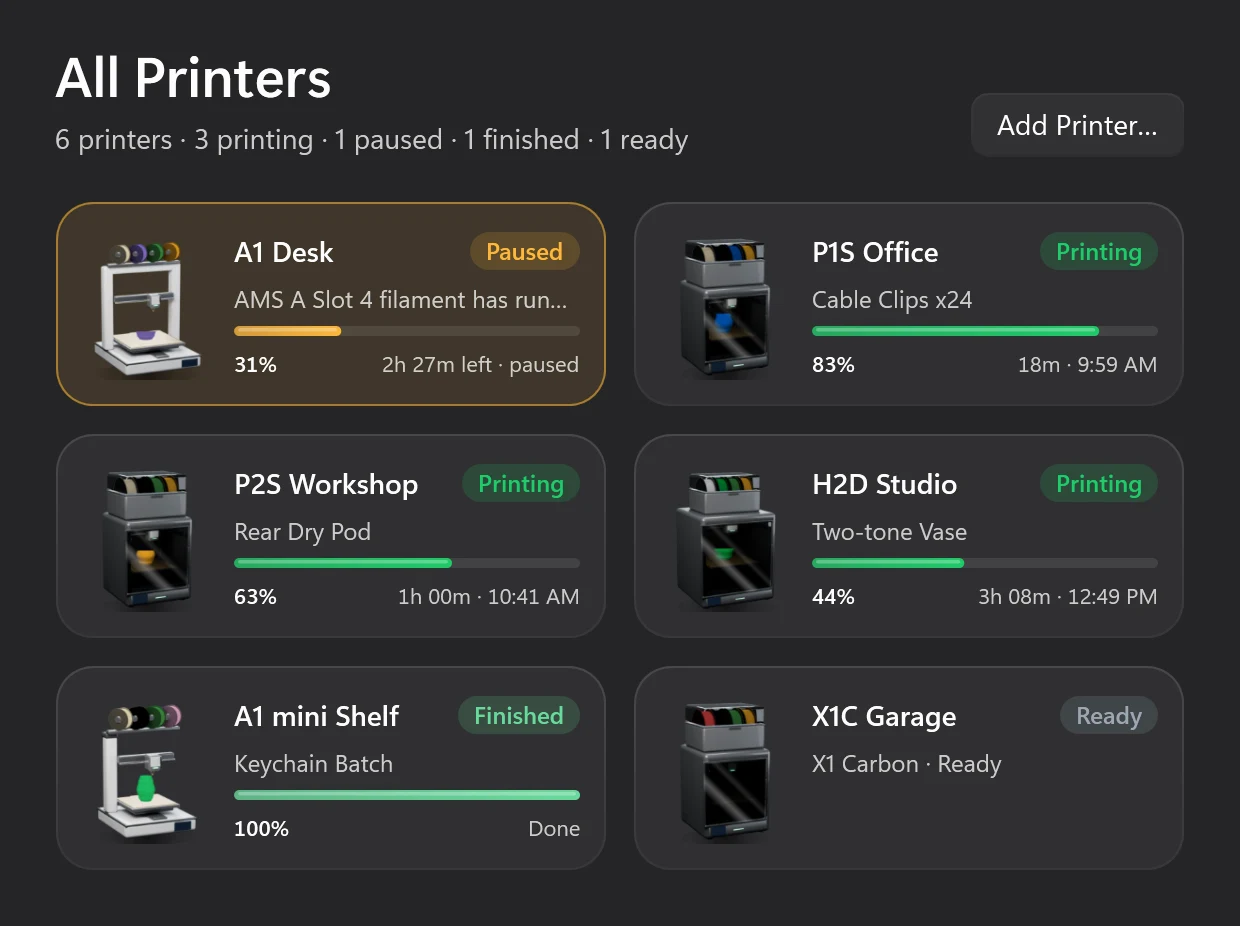
All your printers. One glance
Bambu Bar watches all of them at once. All Printers puts the ones that need you first, then sorts the rest by soonest finish.
- Trouble floats to the top
- Failed and paused printers come first, with the reason in plain words, then everything else by time left.
- Add All, in one click
- When Bambu Studio or OrcaSlicer already knows your printers, Bambu Bar finds them on the network and sets them all up at once.
- Switch anywhere
- From the printer name in the panel, the window's sidebar, or the tray icon's right-click menu. Widgets can each follow a different printer.
Bambu Studio, Bambu Handy and Bambu Bar
Each does a different job. Bambu Bar works alongside Bambu Lab's own apps, not instead of them.
Slice and send
Bambu Studio
Bambu Lab's desktop slicer: prepare models, send jobs and follow the printer in a full window. Bambu Bar doesn't slice.
On your phone
Bambu Handy
Bambu Lab's mobile app for checking and controlling prints, including away from home through Bambu Lab's cloud.
At a glance on your PC
Bambu Bar
Progress, temperatures, AMS filament and the camera in your tray and on your desktop, straight from the printer on your local network.
Speaks your language
Bambu Bar is at home in 18 languages, from Deutsch and Español to 日本語 and 简体中文.
- Follows Windows
- It speaks the language of Windows, or the one you pick in Settings → Language. The widgets follow along.
- Bambu Lab's own words
- Nozzle, heatbed, LAN Only, print stages and speeds read just as they do in Bambu Studio.
- Errors you can read
- Printer errors use Bambu Lab's official translations wherever Bambu publishes one, so a clog reads in words you know.
Native, quiet, and thoughtful
A real Windows app that waits quietly in the tray until your printer needs you, and tells you everything when it does.
Notifications that matter
Finished, failed, canceled, paused for filament and new printer errors, as Windows notifications. Optionally when a print starts too.
Set up in seconds
Finds printers on your network and uses the access codes Bambu Studio or OrcaSlicer already saved. Add All sets up every one at once.
Knows each model
Shows exactly what your printer has: both nozzles on an H2D, the heated chamber on an X1E, the AMS Lite on an A1, all nine AMS 3H spools on an H3C.
Keyboard first
Ctrl+1–Ctrl+8 for pages, Ctrl+R for a full report, Ctrl+L for the chamber light, Ctrl+K for the camera, Ctrl+O to open the window from the panel.
Updates on your terms
Supporters get updates automatically: Bambu Bar checks the signed update feed, installs the new version quietly and opens again.
Starts with Windows
Installs for your account, no administrator needed. Turn on Open at sign-in and it's in the tray each time you sign in.

Your printer. Your network. Nobody else
Bambu Bar talks straight to your printer over your own network, encrypted, the same way Bambu Studio does. Your access code stays between your PC and your printer, and nothing passes through anyone else's servers.
No Bambu Lab sign-in is needed. Website purchases use a purchase account and license activation.
Bambu Bar talks to the printer directly on your network, like Bambu Studio in LAN mode.
No tracking, no telemetry, no ads. Direct purchases use online license checks and optional app updates.
Access codes live in Windows Credential Manager and are only ever sent to their printer.
connect mqtts://192.168.1.50:8883
user    bblp
code    •••••••• (from Credential Manager)
verify  Bambu Lab CA ✓ · issued to 22E… ✓
camera  rtsps://192.168.1.50:322/streaming/live/1
find    udp/2021 announcements
Supporter license
One license. Your Mac and your PC
Bambu Bar is free to use on Windows too. The optional one-time $9.99 supporter license turns on automatic updates and the Hero Supporter badge, and one key activates one Mac and one PC.
- Already a supporter? Open About in Bambu Bar for Windows, paste the key from your purchase account and choose Activate.
- The key is kept in Windows Credential Manager and checked online. Supporter benefits stay on for up to seven days offline; printer monitoring always works.
- Updates install themselves: Bambu Bar checks the signed update feed, installs the new version quietly and opens again.
What you need
- Windows 10 version 1903 or later, or Windows 11.
- An x64 or ARM64 PC. Both are native, and nothing else to install. On Windows 10 on ARM, desktop widgets aren't available.
- A Bambu Lab printer on the same local network: all 15 models work. No Bambu Lab account or cloud needed.
Your printer, your network, nobody else
Bambu Bar for Windows talks straight to your printer over your own network, encrypted, as Bambu Studio does in LAN mode. Access codes stay in Credential Manager and are only ever sent to their printer. No app analytics, no ads.
Every Bambu Lab printer. Now with the H3C
P, X, A and H series, including the new H3C. Bambu Bar knows what each model can report, so you see exactly what your printer has.
P2S
- Enclosed
- Chamber temp
- Light
- AMS
P1S
- Enclosed
- Light
- AMS
P1P
- Open frame
- Light
- AMS
X1 Carbon
- Enclosed
- Chamber temp
- Light
- AMS
X1
- Enclosed
- Chamber temp
- Light
- AMS
X1E
- Enclosed
- Heated chamber
- Light
- AMS
X2D
- Enclosed
- Heated chamber
- Dual nozzle
- Light
- AMS
A1
- Open frame
- AMS Lite
A1 mini
- Open frame
- AMS Lite
A2L
- Open frame
- AMS
H2D
- Enclosed
- Heated chamber
- Dual nozzle
- Light
- AMS
H2D Pro
- Enclosed
- Heated chamber
- Dual nozzle
- Light
- AMS
H2C
- Enclosed
- Heated chamber
- Dual nozzle
- Light
- AMS
H2S
- Enclosed
- Heated chamber
- Light
- AMS
H3C
- Enclosed
- Heated chamber
- 9-tool rack
- Light
- AMS
Loved on r/BambuLab
What makers said when Bambu Bar launched on Reddit. Read the thread
 u/gthriftr/BambuLab
Amazing work. Setup was amazingly simple (really almost non-existent). The app detected my printer on the network immediately and pulled the access code directly from BambuStudio. The interface is clean while still being detailed and informative.
- u/Much-Assumption6429r/BambuLab
I appreciate that you spent the effort and money to get this an Apple signed certificate so we don’t have to go to privacy and security to allow it 🙂
 u/ahadzivasilevr/BambuLab
Beautiful. Can confirm it works great with a P1s and the original AMS. I love the small details, like the fact that the printing animation and progress bar show the exact color filament I'm printing with at the moment.
 u/Civil_Owl_31r/BambuLab
This is really fricking clean. Well done.
 u/calmar81r/BambuLab
Installation and setup was so easy and everything looks so well executed and thoughtful. Really well done, buddy!
- u/Kryptonlogicr/BambuLab
This is sweet, just installed and love it!
- u/Lopsided-Table2457r/BambuLab
Love this … A menu bar app showing print progress without opening Bambu Studio is exactly the kind of small tool that ends up living on my machine permanently.
 u/spotbellinir/BambuLab
Just installed this, and I love it. NICE job. Super clean and useful.
- u/esbir/BambuLab
I love it, the animations in the widget settings are *chefs kiss*! The design is also really great …
- u/AppropriateAmount491r/BambuLab
Works like a champ on P1S, thank you for such a great service!
- u/Spiral_Out_462r/BambuLab
Really really cool. Clean setup, design looks great. Functionality is pretty sweet.
- u/mxjfr/BambuLab
working fabulously on my P1S! Printing a stand for my Halo Infinite Sentinel Beam prop I'm making.
 u/DVDDaver/BambuLab
Works amazingly well. Thanks! (and thanks to Claude too)
Windows questions, answered
How much does Bambu Bar cost?
Bambu Bar is free to use on Windows. Support the project with a one-time $9.99 USD purchase to turn on automatic updates and the Hero Supporter badge; one license key activates one Mac and one PC. The source code remains MIT-licensed.
Is it the same app as on the Mac?
Yes: the same features, the same 15 printers and the same 18 languages, built as a native Windows app. It lives in the tray instead of the menu bar, its widgets sit on the Windows desktop, and its alerts are Windows notifications.
Does my supporter license work on Windows?
Yes. The same $9.99 supporter license key activates one Mac and one PC. In Bambu Bar for Windows, open About, paste your key and choose Activate. You can deactivate an installation there or in your purchase account.
Which versions of Windows does it run on?
Windows 10 version 1903 or later and Windows 11, on x64 and ARM64 PCs. Both are native builds and nothing else needs installing. On Windows 10 on ARM, desktop widgets aren't available; everything else is.
Do I need administrator rights to install it?
No. Bambu Bar installs for your account and adds itself to the Start menu. Turn on Open at sign-in in Settings and it starts in the tray each time you sign in to Windows.
Why can't it find my printer on Windows?
Check that the PC and the printer are on the same network, and that Windows Firewall lets Bambu Bar in: if Windows asked, click Allow, or use Open Firewall Settings in Bambu Bar. You can always enter the printer's IP address by hand.
Can it use the access codes Bambu Studio saved?
Yes. Bambu Bar reads the access codes Bambu Studio or OrcaSlicer saved on this PC, and Add All sets up every printer at once. Slicer on another PC? Drop its BambuStudio.conf onto the setup page. Codes are kept in Credential Manager.
Which printers does it work with?
All 15 Bambu Lab printers that connect over your network: P2S, P1S, P1P, X1, X1 Carbon, X1E, X2D, A1, A1 mini, A2L, the H2 family (H2D, H2D Pro, H2S, H2C) and the H3C. The first 14 are verified on hardware; the H3C is supported from a real H3C report.
Do I need a Bambu Lab account or the cloud?
No. Bambu Bar talks to your printer directly over your local network, the same way Bambu Studio does in LAN mode. The printer can stay bound to your Bambu Lab account and in cloud mode; nothing goes through a cloud service.
Why can't I pause or stop a print?
Bambu Lab only accepts pause, resume, stop and speed commands from third-party apps when the printer is in LAN Only mode with Developer Mode on (printer screen → Settings → Network). Status works in any mode, and the chamber light works either way. Without it, Bambu Bar shows a lock on the buttons and tells you why.
Does it collect any data?
There are no app analytics, advertising or tracking. Printer data stays local. Supporter licenses use our checkout and licensing provider for checkout, activation and periodic license checks; only license and installation details are sent.
Is it on the Microsoft Store?
Not for now. Bambu Bar for Windows comes as an installer for x64 and ARM64 PCs, and supporters get updates automatically inside the app.
How do I get help?
Most answers are on the Support page and in the guides. Still stuck? Email support@clevermechanisms.dev with your printer model, your Bambu Bar and Windows versions, and what happened.
Is Bambu Bar made by Bambu Lab?
No. Bambu Bar is independent, community-developed software by Clever Mechanisms. It is not affiliated with or endorsed by Bambu Lab. Bambu Lab, Bambu Studio, Bambu Handy, AMS and the printer names are trademarks of Bambu Lab.

Stop walking to the printer
Track Bambu Lab print progress, time left, temperatures, AMS filament and the live camera on your PC. Get Windows notifications and desktop widgets without opening Bambu Studio.
Print progress, alerts and filamentWindows 10 and 11, x64 & ARM64 Also on the Mac · Linux coming next