


Works with every Bambu Lab printer
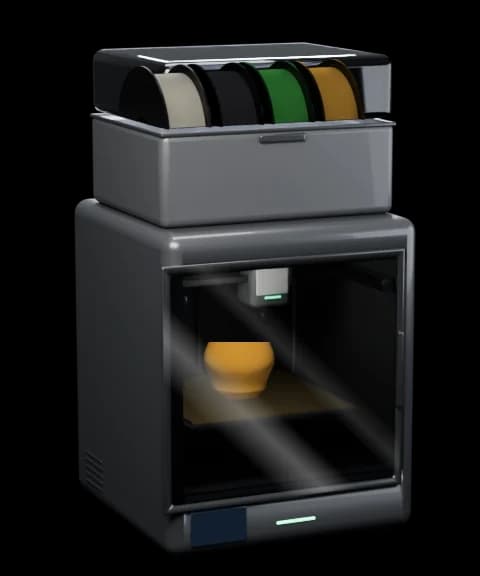 P2S
P2S- P1S
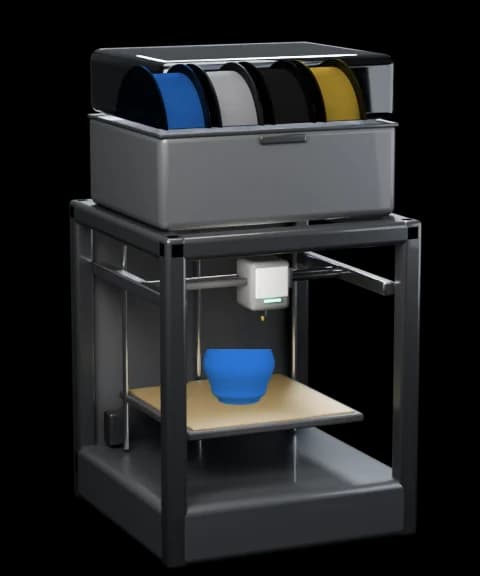 P1P
P1P- X1 Carbon
- X1
- X1E
- X2D
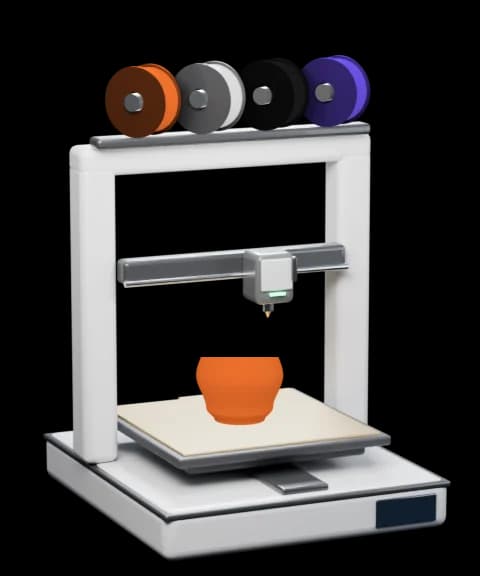 A1
A1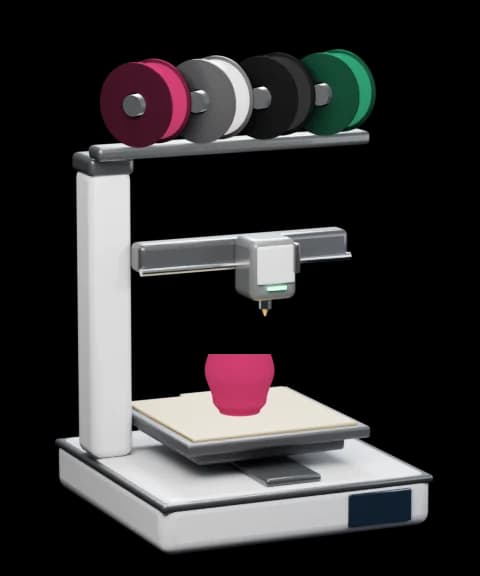 A1 mini
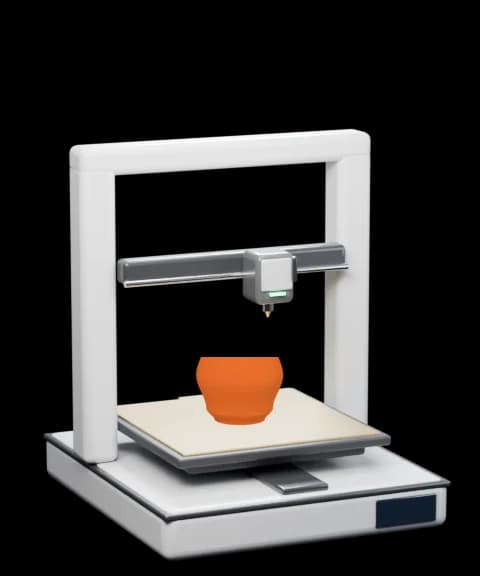 A2L
A2L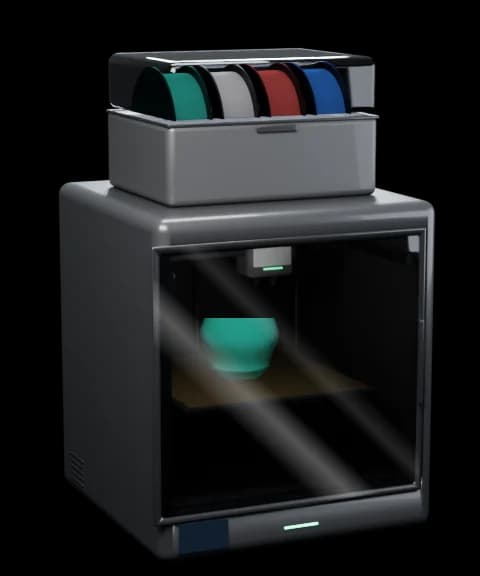 H2D
H2D- H2D Pro
- H2C
- H2S
Go on, press Pause.
Pause, resume or stop a print, change the speed and flick the chamber light. When the spool runs dry, the menu bar tells you.

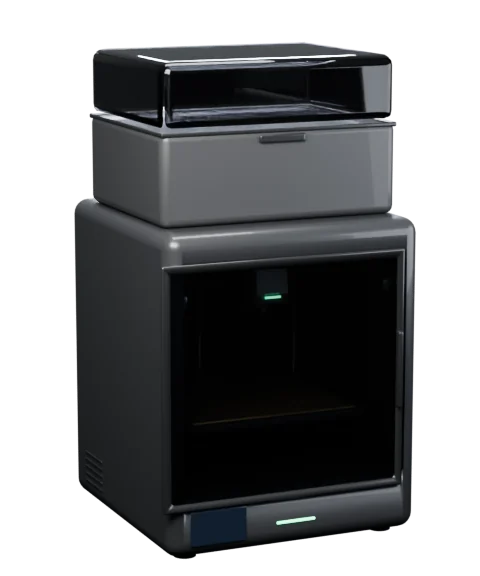
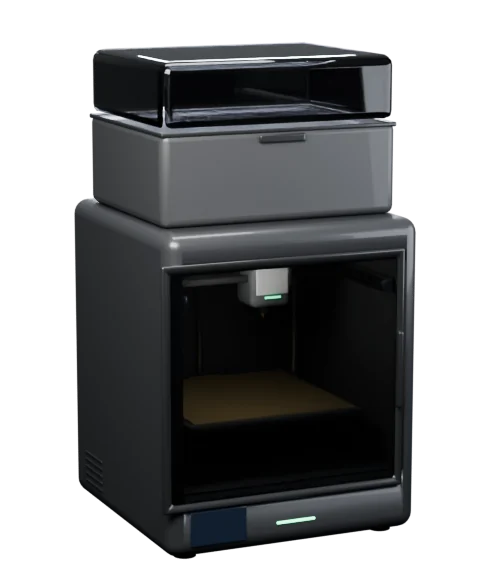



Pause, stop and speed need the printer in LAN Only mode with Developer Mode on; status and the light work in any mode.
Your print, right on the desktop.
Small, medium and large desktop widgets for any Bambu Lab printer. Add a few, then watch them count down.

- P2S WorkshopPrintingArticulated Dragon56%159/2841h 03m leftDone 10:44Nozzle220°Bed55°Chamber38°AMS 2 Pro A16% RH
- PLA≈810 g
- PLA≈390 g
- PLA—
- PLA≈220 g
- H2D StudioPrintingGridfinity Bins44%88/2003h 08m leftDone 12:49250°70°45°
- 31%PausedFilamentran outPLA Basic · Lite 1Benchy FleetDone 12:10 · 40/130
- FinishedDonetook 2h 48mPLA Matte · A2Phone StandReady to remove · 212/212
Grams, not guesses.
Bambu Lab spools tell the AMS their net weight, so Bambu Bar shows what's left in grams. Enough for tonight's print? Now you know.
- Grams left on every Bambu Lab spool
- ≈ 810 g, not just a percentage, plus how much you have on hand in total.
- Colours by name
- Grass Green, Charcoal, Jade White: Bambu Lab spools show their real colour name; other brands show the preset you chose, like SUNLU PLA Matte.
- Humidity and temperature
- Each AMS unit's humidity and temperature, and the spool that's feeding right now.
- Jade WhitePLA Basic≈ 810 g
- CharcoalPLA Matte≈ 390 g
- SUNLU PLA MatteGrass Green—
- GoldPrintingPLA Silk+≈ 220 g
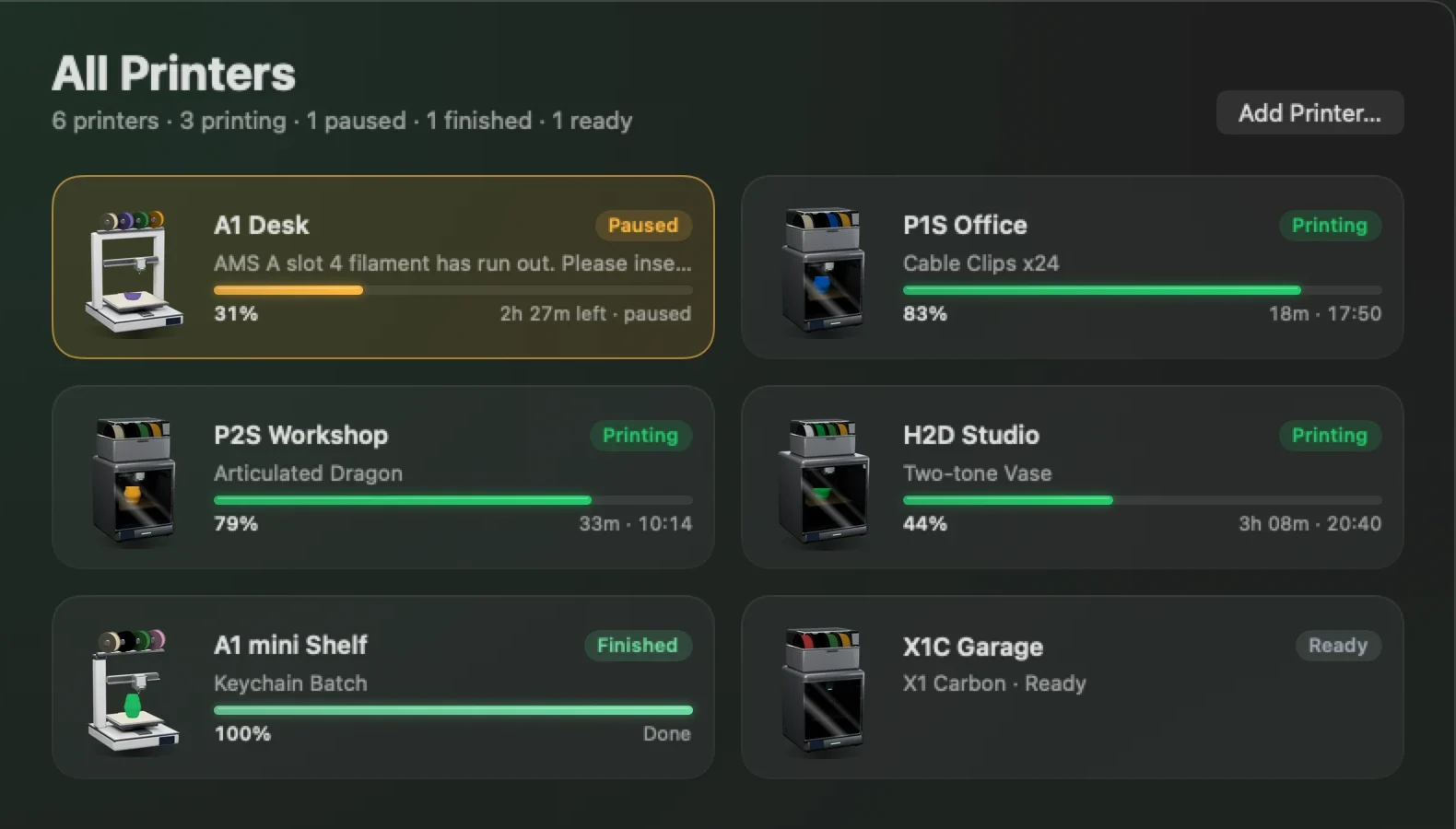
All your printers. One glance.
Bambu Bar watches all of them at once. All Printers puts the ones that need you first, then sorts the rest by soonest finish.
- Trouble floats to the top
- Failed and paused printers come first, with the reason in plain English, then everything else by time left.
- Add All, in one click
- When Bambu Studio or OrcaSlicer already knows your printers, Bambu Bar finds them on the network and sets them all up at once.
- Switch anywhere
- From the printer name in the panel, the window's sidebar, or the Printer menu. Widgets can each follow a different printer.
Native, quiet, and thoughtful.
Built in Swift and SwiftUI, with no third-party packages. The small things are where a menu bar app earns its place.
Notifications that matter
Finished, failed, canceled, paused for filament, new printer errors, and optionally when a print starts.
Errors in plain English
“The nozzle is clogged with filament.” HMS codes translated, with a link to Bambu Lab's wiki.
Knows each model
Only what your printer can report: no chamber reading on an A1 or P1S, both nozzles on an H2D, heated-chamber targets on the X1E.
Keyboard first
⌘1–⌘5 for pages, ⌘R for a full report, ⌘L for the chamber light, and a Printer menu for everything else.
Updates on your terms
Checks GitHub once a day and offers the download. Never installs anything by itself, and you can turn it off.
Featherweight
Under 1% CPU in the background and about 3% with the panel open. The 3D model pauses whenever it's out of sight.

Your printer. Your network. Nobody else.
Bambu Bar connects straight to the printer over TLS, the same LAN protocol Bambu Studio uses. It checks the printer's certificate against Bambu Lab's own authorities and the printer's serial number, so no other device on the network can collect your access code.
Nothing to sign up for. The printer can stay bound to your Bambu Lab account.
Bambu Bar talks to the printer directly on your network, like Bambu Studio in LAN mode.
No tracking, no telemetry, no ads. The only other request is an optional update check.
Access codes live in the macOS keychain and are only ever sent to their printer.
connect mqtts://192.168.1.50:8883
user    bblp
code    •••••••• (from your keychain)
verify  Bambu Lab CA ✓ · issued to 22E… ✓
find    udp/2021 announcements
Every Bambu Lab printer. All verified.
P, X, A and H series, verified on hardware. Bambu Bar knows what each model can report, so you see exactly what your printer has.
P2S
- Enclosed
- Chamber temp
- Light
- AMS
P1S
- Enclosed
- Light
- AMS
P1P
- Open frame
- Light
- AMS
X1 Carbon
- Enclosed
- Chamber temp
- Light
- AMS
X1
- Enclosed
- Chamber temp
- Light
- AMS
X1E
- Enclosed
- Heated chamber
- Light
- AMS
X2D
- Enclosed
- Heated chamber
- Dual nozzle
- Light
- AMS
A1
- Open frame
- AMS Lite
A1 mini
- Open frame
- AMS Lite
A2L
- Open frame
- AMS
H2D
- Enclosed
- Heated chamber
- Dual nozzle
- Light
- AMS
H2D Pro
- Enclosed
- Heated chamber
- Dual nozzle
- Light
- AMS
H2C
- Enclosed
- Heated chamber
- Dual nozzle
- Light
- AMS
H2S
- Enclosed
- Heated chamber
- Light
- AMS
Questions, answered.
Is Bambu Bar free?
Yes. Bambu Bar is free and open source under the MIT license. Download the signed, notarized build from GitHub, or build it yourself from the source.
Which printers does it work with?
Every Bambu Lab printer that connects over your network: P2S, P1S, P1P, X1, X1 Carbon, X1E, A1, A1 mini and the H2 family (H2D, H2D Pro, H2S, H2C), all verified on hardware.
Do I need a Bambu Lab account or the cloud?
No. Bambu Bar talks to your printer directly over your local network, the same way Bambu Studio does in LAN mode. The printer can stay bound to your Bambu Lab account and in cloud mode; nothing goes through a cloud service.
Does it collect any data?
No. There is no account, no analytics, no advertising and no tracking. The only request besides your printers is an optional daily update check against this project's GitHub releases (the Mac App Store version makes none), and it sends nothing about you or your printers.
Why can't I pause or stop a print?
Bambu Lab only accepts pause, resume, stop and speed commands from third-party apps when the printer is in LAN Only mode with Developer Mode on (printer screen → Settings → Network). Status works in any mode, and the chamber light works either way. Without it, Bambu Bar shows a lock on the buttons and tells you why.
Where do I find the access code?
Usually you don't have to: if Bambu Studio or OrcaSlicer on your Mac has used the printer, Bambu Bar reads the code from its settings. You can also drop another Mac's BambuStudio.conf onto the setup page, or read the 8-character Access Code on the printer's screen under Settings → Network. The code is stored in your keychain and only ever sent to the printer.
Can it watch more than one printer?
Yes, as many as you have. All Printers lists them with the ones that need you first (failed, paused), then by soonest finish. You choose which printer the menu bar follows, or let it pick whichever is busy. When your slicer knows several printers, Add All sets them all up at once.
Does it show the camera?
Not today. Bambu Bar focuses on status, filament, temperatures, errors and controls, and keeps CPU use under 1% in the background.
What do I need to run it?
macOS 26 Tahoe or later on Apple silicon or Intel, and a Bambu Lab printer on the same local network as your Mac. When macOS asks whether Bambu Bar may find devices on your local network, click Allow.
Is it on the Mac App Store? What about Windows and Linux?
A sandboxed Mac App Store version is on its way; until then, download the notarized build from GitHub. Windows and Linux versions are coming next.
Is Bambu Bar made by Bambu Lab?
No. Bambu Bar is independent, community-developed software by rolottr. It is not affiliated with or endorsed by Bambu Lab. Bambu Lab, Bambu Studio, Bambu Handy, AMS and the printer names are trademarks of Bambu Lab.


Stop walking to the printer.
Free, open source and private. Set up in under a minute: Bambu Bar finds your printer and fills in the access code for you.
Signed & notarized by ApplemacOS 26+, Apple silicon & Intel Windows & Linux coming next